Report templates, ready to run on your own data
Ever struggled to get a BI report off the ground? Between the cost of hiring BI developers and data engineers, and the weeks it takes to build a dashboard from scratch, getting real insights into your business shouldn’t have to be this hard.
That’s where we come in.
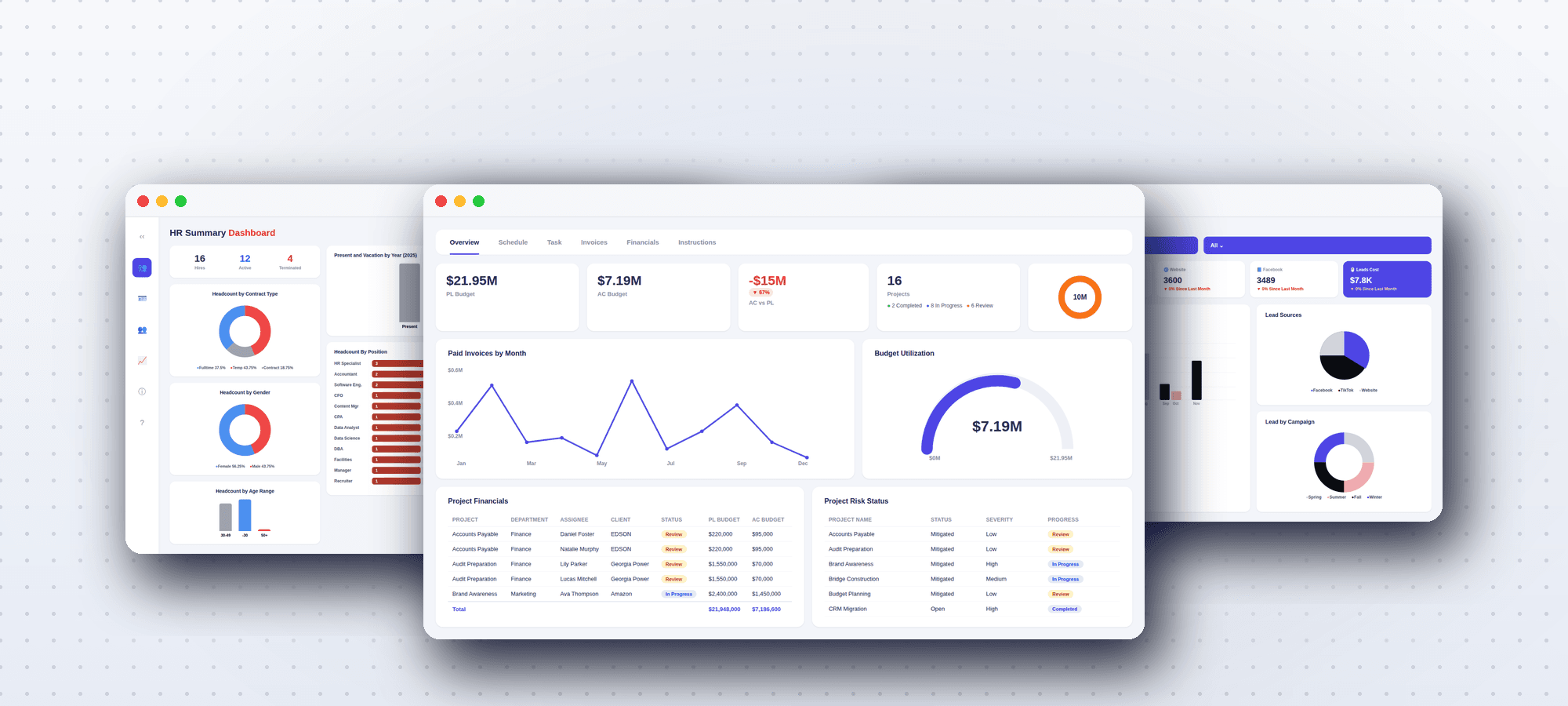
Three templates to start with
Use your own data in minutes
Every BImaster template ships with realistic sample data so the report works the moment you open it. Replacing that sample data with yours takes four steps.
Download the template
Grab the .pbix (Power BI) or .xlsx (Excel) file from the template page — no sign-up required.
Open it in Power BI Desktop or Excel
The template opens pre-loaded with sample data so you can see exactly how the report is meant to look.
Point it at your own data
In Power BI: Home → Transform Data → Data Source Settings → Change Source. In Excel: Data → Queries & Connections → Edit. Swap the sample source for your own file, database, or API.
Refresh
Click Refresh and your data flows into the existing visuals automatically — no rebuilding charts, no reformatting.